Prerequisites & Limits
The order must not be fully executed.
Filled portions can't be cancelled. Close them from the Positions tab instead.
Step-by-Step Navigation
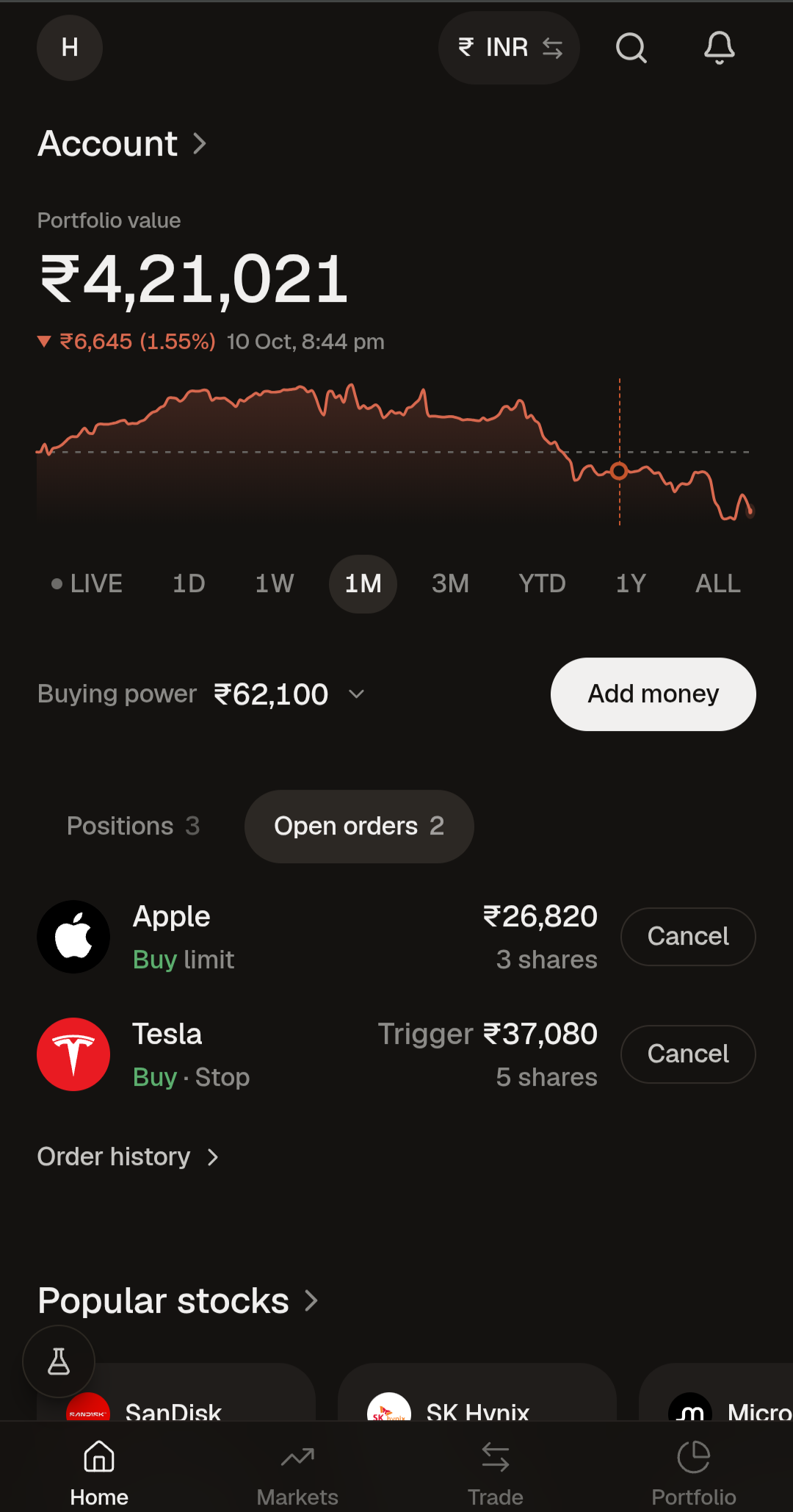
Sign in at mochatrade.com or download the app, open Trade and go to the Open orders tab.
Find the order you want to cancel.
Click Cancel and confirm.
Common Failures & Troubleshooting
The order disappeared before I could cancel it: It was fully filled. Check the Positions tab.
Only part of my order cancelled: The filled portion is already a position. Manage it from the Positions tab.