Prerequisites & Limits
An open position, and trading must be available.
A closing fee of 0.05% of the closed size applies.
Step-by-Step Navigation
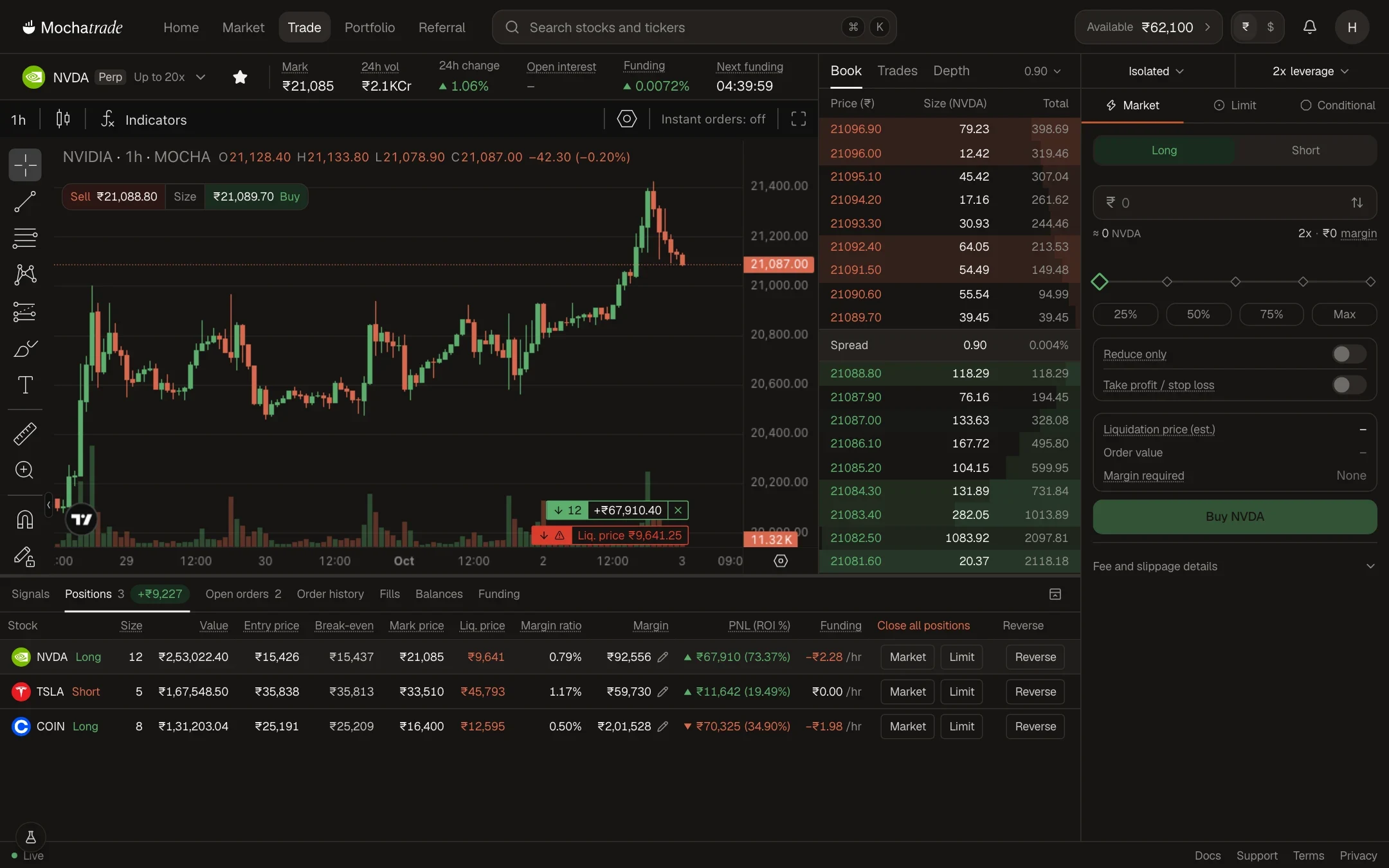
Sign in at mochatrade.com or download the app, open Trade and go to the Positions tab.
Select the position you want to close.
Click Market (or Limit) on the position's row to close it fully.
For a partial close, place a Reduce-Only order for the size you want to close.
Confirm. Realised P&L appears in Order history.
Common Failures & Troubleshooting
My close opened a position in the other direction: The order wasn't Reduce-Only. To exit, use Reduce only, or Market or Limit on the position's row.
Close didn't go through: Contact support with the screenshot of the issue that you are facing.